Imagine you walk into work on a Monday morning and every computer screen is showing a ransom demand. All your files are encrypted. Your customer database is gone. Your email is down. Your phone systems are offline. What do you do?
If your answer is "I have no idea," you are not alone. Most organizations do not have a real disaster recovery plan — they have a document collecting dust in a folder that nobody has read since it was written three years ago.
This guide changes that. We will walk you through how to build a business continuity and disaster recovery (BCDR) program that actually works — one that keeps your organization alive when everything goes wrong.
What Is Business Continuity and Disaster Recovery?
Let us start with the basics, because many people mix these two terms up.
Business continuity planning is about keeping your organization running during a disruption. It covers everything: who takes over if a key person is unavailable, how do customers reach you if your office floods, what happens if your main supplier goes bankrupt.
Disaster recovery specifically focuses on getting your IT systems — servers, applications, databases, and data — back up and running after a failure. DR is a piece of the larger BC puzzle.
Think of it this way: if your office building catches fire, your business continuity plan tells everyone where to work tomorrow, how to communicate with customers, and who is in charge. Your disaster recovery plan tells your IT team how to restore email, databases, and applications from backups.
You need both. A company that restores its servers but has no way to communicate with customers is not truly recovered. And a company that sets up temporary offices but cannot access its data is stuck.
Why BCDR Matters More Than Ever in 2026
The threat landscape has changed dramatically. Ransomware attacks now specifically target backup systems. Supply chain attacks can take down hundreds of organizations at once. And AI-powered attacks are faster and harder to detect than ever.
Here are the numbers that should get your attention:
- 60% of small businesses that suffer a major cyber incident close permanently within 6 months (National Cyber Security Alliance)
- $5,600 per minute — the average cost of IT downtime for mid-size organizations (Gartner)
- $4.88 million — the global average cost of a data breach in 2024 (IBM)
- 93% of companies without a disaster recovery plan that suffer a major data disaster are out of business within one year
- Only 54% of organizations test their DR plans at least once per year
The scariest part? The organizations hit hardest are usually the ones that thought "it won't happen to us." Ransomware does not care how big or small you are. Natural disasters do not check your revenue first.
"By failing to prepare, you are preparing to fail. The time to build your recovery plan is before you need it — not after." — adapted from Benjamin Franklin, and true for every IT team
Understanding RTO and RPO: The Two Numbers That Define Your Plan
Before you build anything, you need to understand two critical concepts that shape every decision in your disaster recovery plan.
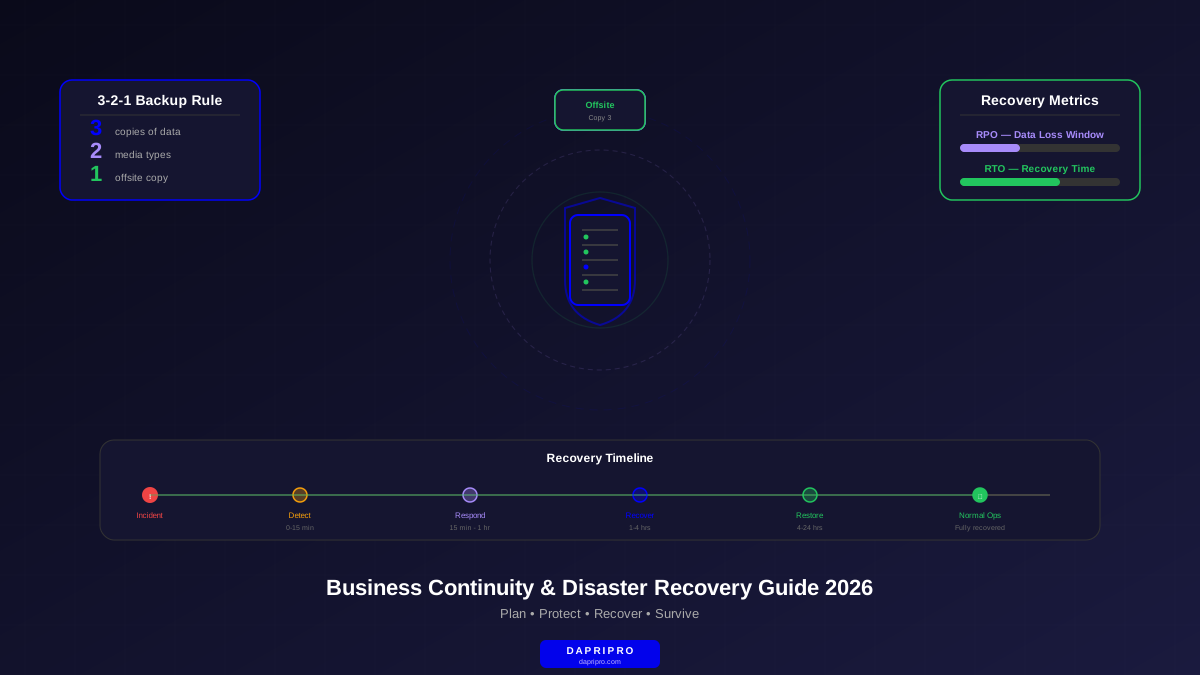
RPO (Recovery Point Objective) answers: "How much data can we afford to lose?" If your RPO is 1 hour, you need backups at least every hour. If your RPO is 5 minutes, you need near-real-time replication.
RTO (Recovery Time Objective) answers: "How fast do we need to be back online?" If your RTO is 4 hours, your team has 4 hours to restore systems after a disaster.
These two numbers drive every technology and budget decision. A 5-minute RPO with a 15-minute RTO requires expensive real-time replication and hot standby systems. A 24-hour RPO with a 72-hour RTO can use cheaper daily backups with cold recovery.
Not every system needs the same targets. Your payment processing system probably needs near-zero RPO and RTO. Your internal wiki? It can probably wait a few days.
Business Impact Analysis: Where Every Plan Starts
A Business Impact Analysis (BIA) is the foundation of your entire BCDR program. It tells you which systems matter most, what happens when they go down, and how quickly you need them back.
Here is how to run a BIA:
- List every critical system. Email, ERP, CRM, website, payment processing, file storage, phone systems, production databases — everything your business uses.
- Identify owners. Who is responsible for each system? Who can make decisions about recovery priority?
- Determine downtime impact. For each system, answer: what happens after 1 hour of downtime? After 4 hours? After 24 hours? After 1 week? Measure impact in dollars, customer satisfaction, compliance violations, and safety.
- Assign RTO and RPO targets. Based on the impact analysis, set your recovery objectives for each system.
- Identify dependencies. System A might depend on System B. If your CRM needs your database server, both must recover at the same speed.
The BIA output becomes your priority list during a real disaster. When everything is down, your team knows exactly which systems to restore first.
The 3-2-1 Backup Rule: Foundation of Data Protection
Every backup and recovery strategy should follow the 3-2-1 rule at minimum:
- 3 copies of every important dataset (the original plus two backups)
- 2 different media types (such as local disk and cloud storage)
- 1 copy offsite (in a different location, ideally a different geographic region)
In 2026, many experts recommend upgrading this to the 3-2-1-1-0 rule: add 1 immutable copy (that no one can modify or delete, even ransomware) and 0 errors (verified through automated testing).
Why immutable backups? Because modern ransomware specifically looks for and encrypts backup files. If your backups are not immutable, a ransomware attack can destroy both your live data AND your backups. Check our cloud backup strategies guide for detailed implementation steps.
Disaster Recovery Tiers: What Level Do You Need?
Not every organization needs the most expensive recovery setup. Here are the four main DR tiers, from cheapest to most robust:
| Tier | How It Works | Typical RTO | Cost Level | Best For |
|---|---|---|---|---|
| Backup Only | Regular backups stored offsite, rebuild from scratch when needed | Days to weeks | $ | Non-critical systems, very small businesses |
| Cold Site | Empty facility with power and network, equipment shipped when needed | 24-72 hours | $$ | Organizations with moderate downtime tolerance |
| Warm Site / DRaaS | Pre-configured systems with recent data, ready to activate | 1-4 hours | $$$ | Most mid-market organizations |
| Hot Site | Fully mirrored systems running in real-time, instant failover | Minutes | $$$$ | Mission-critical operations, financial services |
Most organizations in 2026 use Disaster Recovery as a Service (DRaaS) — a cloud-based warm site approach. It gives you fast recovery without the massive cost of maintaining a physical hot site. It is the sweet spot for most businesses.
Best BCDR Tools and Platforms for 2026
Here are the leading solutions for backup and recovery that we recommend based on real-world testing:
| Platform | Best For | Key Strength | DRaaS Option | Immutable Backups |
|---|---|---|---|---|
| Veeam | All-around leader | Reliability and ecosystem integrations | Yes | Yes |
| Zerto | Near-zero RPO requirements | Continuous replication with journal-based recovery | Yes | Yes |
| Commvault | Enterprise data management | Unified data protection across hybrid environments | Yes | Yes |
| Druva | Cloud-native organizations | SaaS-delivered, no infrastructure to manage | Yes | Yes |
| Rubrik | Ransomware resilience | Zero-trust data security with immutable architecture | Yes | Built-in |
| Acronis Cyber Protect | SMB with limited IT staff | Combined backup + cybersecurity in one agent | Yes | Yes |
All of these platforms now offer immutable backup options — a must-have feature for ransomware recovery. Make sure whichever platform you choose supports immutability and air-gapped copies.
Building Your BCDR Plan Step by Step
Here is the process for creating a complete business continuity plan from scratch. For a deeper dive into the incident response piece specifically, see our incident recovery plan guide.
Phase 1: Assessment (Weeks 1-2)
- Run your Business Impact Analysis — identify all critical systems and their impact of downtime
- Set RTO and RPO targets for each system based on the BIA results
- Map system dependencies — which systems depend on which others?
- Identify single points of failure — any component whose failure kills everything
- Assess current backup coverage — what is being backed up today and what is missing?
Phase 2: Strategy (Weeks 3-4)
- Choose your DR tier for each system category (see the pyramid above)
- Select backup and recovery tools that match your RTO/RPO requirements
- Design your backup architecture following the 3-2-1-1-0 rule
- Define communication plans — who notifies whom, through what channels, in what order
- Establish alternate work locations — where do people work if the office is unavailable?
Phase 3: Implementation (Weeks 5-8)
- Deploy backup solutions and verify initial backups complete successfully
- Configure monitoring and alerting for backup failures
- Document run-books — step-by-step recovery procedures for each critical system
- Train recovery teams through your security awareness training program
- Set up war room communications — dedicated channels for incident coordination
Phase 4: Testing (Ongoing)
- Run tabletop exercises quarterly — walk through scenarios verbally to find gaps
- Perform failover tests annually — actually switch to backup systems
- Verify backup integrity monthly — test that backups can actually be restored
- Update the plan after every test, incident, or major infrastructure change
Ransomware Resilience: The 2026 Priority
Ransomware has become the number one threat to business continuity. Modern ransomware groups specifically target backup systems, exfiltrate data before encrypting, and threaten to publish stolen information.
Your BCDR plan must include specific ransomware defenses:
- Immutable backups. Backups that cannot be modified or deleted, even by an administrator with full access. Most modern platforms support object lock or WORM (Write Once, Read Many) storage.
- Air-gapped copies. At least one backup copy that is physically or logically disconnected from your network. Ransomware cannot encrypt what it cannot reach.
- Backup encryption. Encrypt your backups so that even if attackers access them, the data is useless without the keys.
- Rapid detection. Use endpoint security tools with ransomware-specific detection to catch attacks early.
- Clean recovery environments. When recovering from ransomware, you must restore to a clean environment — otherwise the malware may still be present and will re-encrypt everything.
- Know your insurance coverage. Cyber insurance can cover costs like ransom payments, forensics, and business interruption — but only if you meet the policy requirements.
For a detailed playbook on recovering from a ransomware attack, see our ransomware recovery guide.
Supply Chain and Third-Party Risks
Your business continuity is only as strong as your weakest vendor. The SolarWinds attack proved that a single compromised supplier can take down thousands of organizations.
Include these elements in your BCDR plan:
- Vendor dependency mapping. Which vendors are critical? What happens if each one goes down?
- Alternate supplier identification. For every critical vendor, identify at least one backup option.
- SLA review. Do your vendor contracts include uptime guarantees, incident notification requirements, and liability?
- Joint testing. Invite critical vendors to participate in your tabletop exercises.
Check our supply chain security guide for a complete framework.
Testing: The Step Most Organizations Skip
Here is a hard truth: an untested plan is not a plan — it is a wish. Research from Gartner shows that untested disaster recovery plans fail approximately 75% of the time during real incidents.
That is why regular testing is non-negotiable. Here are the main testing approaches, from simplest to most involved:
| Test Type | What You Do | Time Required | How Often |
|---|---|---|---|
| Plan review | Read through the plan and update outdated information | 1-2 hours | Monthly |
| Tabletop exercise | Walk through a scenario verbally with all stakeholders | 2-4 hours | Quarterly |
| Simulation test | Run through recovery procedures without actually failing over | Half day | Semi-annually |
| Parallel test | Activate backup systems alongside production to verify they work | Full day | Annually |
| Full interruption | Actually shut down production and recover — the real test | Full day+ | Annually (if possible) |
After every test, document what worked, what failed, and what needs to change. Then update your plan and train your team on the changes.
What Goes in Your BCDR Plan Document
Your written business continuity plan should include these sections at minimum:
- Executive summary — one-page overview for leadership
- Scope and objectives — what the plan covers and its goals
- Contact list — recovery team members with multiple contact methods
- Activation criteria — what events trigger the plan
- Communication plan — who notifies whom, internal and external
- System priority matrix — ordered list of systems with RTO/RPO targets
- Recovery procedures — step-by-step run-books for each critical system
- Vendor contact list — critical supplier information and escalation paths
- Alternate site information — locations, access instructions, available resources
- Testing schedule — planned test dates and types
- Revision history — when the plan was last updated and by whom
Keep the plan accessible — not just on the servers that might be down during a disaster. Store copies in cloud storage, print hard copies for key personnel, and ensure the recovery team can access it from personal devices.
Common BCDR Mistakes to Avoid
- Not testing backups. Having backups is meaningless if they are corrupted or incomplete. Test restores monthly.
- Keeping the plan only on internal servers. If those servers go down, so does your plan. Store copies externally.
- Ignoring supply chain dependencies. Your supply chain risks can bring down your entire operation even if your own systems are fine.
- Setting unrealistic RTO/RPO targets. Promising 15-minute recovery but only investing in daily backups is a lie that will be exposed during a real incident.
- Forgetting the people. Recovery plans that only cover technology miss the human element. Who decides, who communicates, who has authority?
- Treating BCDR as a project instead of a program. Plans become outdated the moment you finish writing them. BCDR is ongoing and needs regular updates.
- No communication plan. During a crisis, normal communication channels may be down. You need alternative ways to reach your team, customers, and stakeholders.
Take Action Today
Business continuity planning is not glamorous. It is not exciting. But it is the difference between an organization that survives a disaster and one that does not.
Here is your immediate action plan:
- This week: Run a basic BIA — identify your top 10 most critical systems and set RTO/RPO targets
- This month: Implement the 3-2-1 backup rule if you have not already, and verify your existing backups actually work
- Next month: Schedule a tabletop exercise with your key stakeholders
- Within 90 days: Deploy immutable backups for your most critical data
- Ongoing: Test quarterly, update after changes, and keep improving
The organizations that recover fastest from disasters are not the ones with the biggest budgets. They are the ones that planned ahead, tested regularly, and kept their plans current.
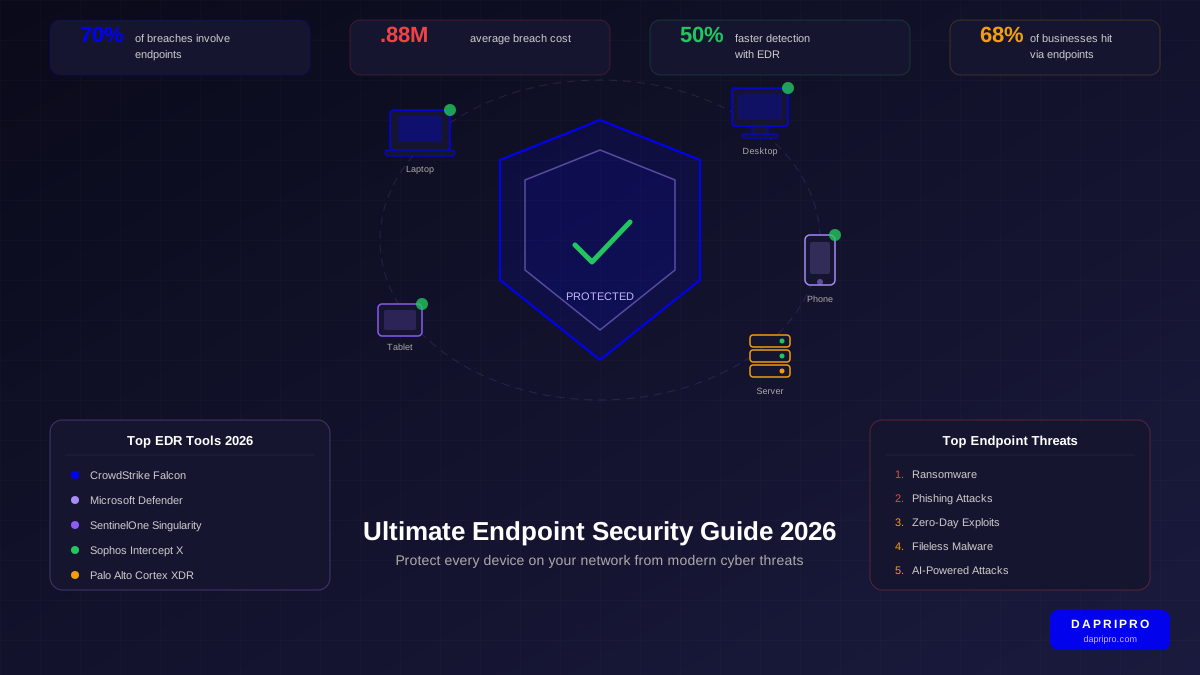
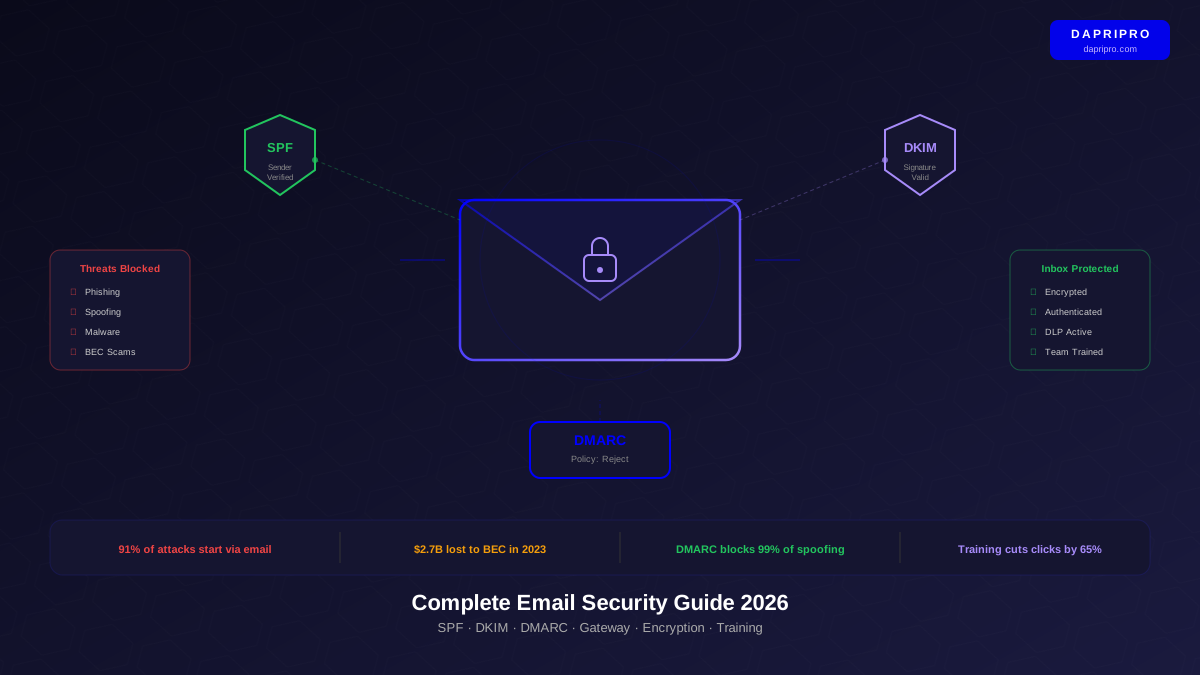
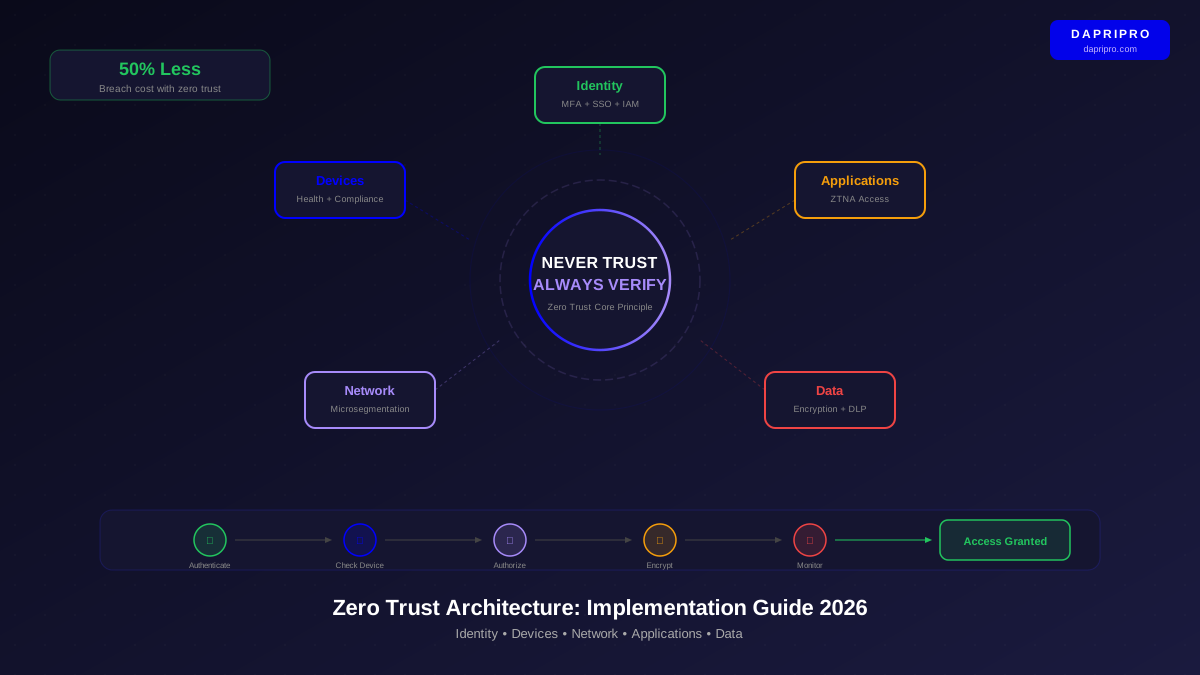
For more on protecting your organization, explore our guides on email security, zero trust architecture, and endpoint security.