

![Norton vs McAfee vs Bitdefender: Head-to-Head Antivirus Comparison [2026]](/images/sections/security-tools-reviews/antivirus-software/norton-vs-mcafee-vs-bitdefender-head-to-head-antivirus-comparison.svg)
Norton, McAfee, and Bitdefender are the three biggest names in antivirus software. But which one actually protects your computer the best? And which one is worth your money?
We tested all three side by side using real malware samples, independent lab data from AV-TEST and AV-Comparatives, and performance benchmarks. This comparison breaks down every important difference so you can pick the right one for your needs.
Quick Verdict: Which Antivirus Wins?
Here is the short answer before we dig into the details:
- Best Overall: Bitdefender Total Security — perfect lab scores, lightest performance impact, lowest price.
- Best Features Bundle: Norton 360 Deluxe — unlimited VPN, cloud backup, dark web monitoring all included.
- Best for Large Families: McAfee Total Protection — unlimited devices on one plan.
Now let us break down exactly why.
Malware Detection: AV-TEST Lab Results
Independent lab tests are the most reliable way to compare antivirus products. Think of it like this: you would not trust a restaurant to rate its own food — you want reviews from food critics. AV-TEST is the food critic of antivirus software.
All three products score extremely well, but there are small differences that matter:
| Test Category | Norton 360 | McAfee Total | Bitdefender Total |
|---|---|---|---|
| AV-TEST Protection Score | 6/6 | 6/6 | 6/6 |
| AV-TEST Performance Score | 5.5/6 | 5/6 | 6/6 |
| AV-TEST Usability Score | 6/6 | 6/6 | 6/6 |
| Real-World Detection Rate | 99.7% | 99.5% | 99.8% |
| Zero-Day Detection | 99.4% | 99.2% | 99.6% |
| False Positives (Monthly Avg) | 2 | 5 | 1 |
Key takeaway: All three catch over 99% of malware. But Bitdefender edges ahead with the highest zero-day detection (catching brand-new threats) and the fewest false positives (incorrectly flagging safe files as dangerous).
False positives matter more than you might think. Every false alarm trains you to ignore warnings — and one day, the warning might be real.
Performance Impact: Which One Slows Your Computer?
The best antivirus in the world is useless if it makes your computer run like a turtle. We tested how much each product slows down everyday tasks.
Bitdefender wins performance hands-down. It uses cloud-based scanning, which means your computer sends suspicious files to Bitdefender's servers for analysis instead of doing all the heavy lifting itself. The result? Less CPU and RAM usage on your machine.
McAfee has the heaviest impact. On older computers with 4-8 GB of RAM, you will notice McAfee slowing things down, especially right after booting up.
Norton falls in the middle — heavier than Bitdefender during full scans, but lighter than McAfee during everyday use.
Features Comparison: What You Get for Your Money
Antivirus software is not just about catching viruses anymore. All three products bundle extra security tools. But the bundles are very different.
| Feature | Norton 360 Deluxe | McAfee Total Protection | Bitdefender Total Security |
|---|---|---|---|
| VPN Included | Unlimited | Unlimited | 200 MB/day (free tier) |
| Password Manager | Yes | Yes (TrueKey) | Yes |
| Cloud Backup | 50 GB | No | No |
| Dark Web Monitoring | Yes | Yes | No (Premium only) |
| Parental Controls | Yes | Yes (Safe Family) | Yes |
| Identity Theft Protection | Yes (LifeLock) | Yes (basic) | No |
| Webcam Protection | Yes | No | Yes |
| File Shredder | No | Yes | Yes |
| Anti-Tracker | No | No | Yes |
| Game Mode | Silent Mode | No | Yes (dedicated) |
| Device Coverage | 5 devices | Unlimited | 5 devices |
Norton wins on features. The unlimited VPN alone is worth \$3-5/month if you bought it separately. Add 50 GB of cloud backup and dark web monitoring, and Norton bundles about \$100+ worth of extras into its plan.
McAfee wins on device coverage. If your family has 8, 10, or even 15 devices, McAfee is the only choice that covers them all on one subscription.
Bitdefender wins on privacy tools. Webcam protection, anti-tracker, and file shredder are built in — features you would need separate apps for with the other two.
Pricing: First Year vs Renewal (The Hidden Trap)
Every antivirus company uses the same trick: they offer a big discount for the first year, then jack up the price when you renew. Here is what you will actually pay:
Bitdefender is cheapest at both the first-year and renewal price. Over 3 years, here is what each one costs:
- Bitdefender: \$36 + \$90 + \$90 = \$216 total
- Norton: \$50 + \$110 + \$110 = \$270 total
- McAfee: \$40 + \$120 + \$120 = \$280 total
Pro tip: most antivirus companies offer the first-year price again if you cancel and wait for a "win-back" email. You will usually get it within 30 days.
Ransomware Protection: A Critical Difference
Ransomware is the scariest type of malware. It locks all your files and demands money to unlock them. This is where the three products differ most.
Norton includes 50 GB of cloud backup. If ransomware hits, you restore your files from backup. Problem solved. No paying the ransom.
Bitdefender has a Ransomware Remediation feature. It watches for suspicious file encryption and automatically backs up files being modified. If it detects ransomware, it blocks it and restores the originals. This is actually more elegant than Norton's approach.
McAfee relies on its Ransom Guard to detect and block ransomware behavior. It works, but it has no automatic backup or file restoration. If ransomware somehow gets through, your files are gone unless you have your own backups.
Winner: Bitdefender — its automatic backup-and-restore approach is the safest.
Parental Controls: Keeping Kids Safe
If you have younger siblings or if your parents want to monitor internet usage, parental controls matter.
| Parental Feature | Norton (Family) | McAfee (Safe Family) | Bitdefender |
|---|---|---|---|
| Content Filtering | Excellent (45+ categories) | Good (30+ categories) | Good (25+ categories) |
| Screen Time Limits | Yes (per app) | Yes (daily total) | Yes (daily total) |
| Location Tracking | Yes | Yes | No |
| YouTube Monitoring | Yes | No | No |
| Search Monitoring | Yes | Yes | Yes |
| App Usage Reports | Detailed | Basic | Basic |
| Works on Mobile | iOS + Android | iOS + Android | Android only |
Norton wins parental controls by a wide margin. Norton Family is basically a standalone parental control app bundled free. YouTube monitoring and per-app screen time limits are features the other two do not match.
Mobile Protection: Android and iOS
Your phone needs protection too. All three offer mobile apps, but the quality varies.
On Android, all three provide full antivirus scanning, web protection, Wi-Fi security checks, and app advisors that warn you about risky apps. Bitdefender and Norton also offer anti-theft features (remote lock, locate, wipe).
On iOS, features are limited because Apple restricts what security apps can do. You mainly get web protection (blocking phishing sites), VPN, Wi-Fi scanner, and identity monitoring. Norton offers the most iOS features of the three.
One important note: McAfee's unlimited device plan covers all your phones too. Norton and Bitdefender count mobile devices against your 5-device limit.
Customer Support and Virus Removal
What happens when something goes wrong? Customer support quality matters more than you think.
Norton stands out with the Virus Protection Promise: if Norton cannot remove a virus from your device, you get a full refund. Plus 24/7 live chat and phone support with knowledgeable agents who can remotely access your computer to fix problems.
McAfee offers 24/7 phone and chat support. The Virus Removal Service is powerful but costs \$90 as a one-time purchase if you are not a subscriber. Wait times can be long (15-20 minutes on average).
Bitdefender has email, chat, and phone support. Hours are not 24/7 for all channels, but their online knowledge base is excellent. Bitdefender also has active community forums where experts answer questions quickly.
Who Should Pick Which Antivirus?
Here is the bottom line for different types of users:
Pick Bitdefender Total Security if:
- You want the best malware protection at the lowest price
- You have an older computer and need lightweight performance
- You are a gamer who needs a dedicated Game Mode
- You want privacy tools (webcam protection, anti-tracker) built in
Pick Norton 360 Deluxe if:
- You want everything bundled: VPN, backup, dark web monitoring, parental controls
- You need strong parental controls with YouTube monitoring
- You value customer support and the virus removal guarantee
- You want 50 GB of automatic cloud backup for ransomware protection
Pick McAfee Total Protection if:
- Your family has 6+ devices (phones, tablets, laptops, desktops)
- You want unlimited device coverage on a single plan
- You need identity theft protection with credit monitoring
- You are okay with slightly heavier system performance
Money-Saving Trick: The Annual Switch Strategy
Here is a trick many people do not know about: you can save hundreds of dollars over time by switching antivirus every year to always get the first-year discount price.
Year 1: Bitdefender Total Security = \$36. Year 2: Norton 360 Deluxe = \$50. Year 3: McAfee Total Protection = \$40. Year 4: Start over with Bitdefender = \$36.
Total 4-year cost using the switch strategy: \$162. Total 4-year cost sticking with one product at renewal prices: \$300+. That is almost 50% savings.
The only downside is spending 20 minutes switching each year. But \$150 in savings is worth 20 minutes of your time.
Final Verdict
All three are excellent antivirus products that will protect you from the vast majority of threats. You genuinely cannot go wrong with any of them.
But if we had to pick one: Bitdefender Total Security wins this comparison. Perfect lab scores, the lightest performance impact, the best ransomware remediation, the most privacy features, and the lowest price. It is the complete package.
Norton 360 is a close second, especially if you value the bundled VPN and cloud backup. And McAfee is the smart choice for big families who need unlimited devices.
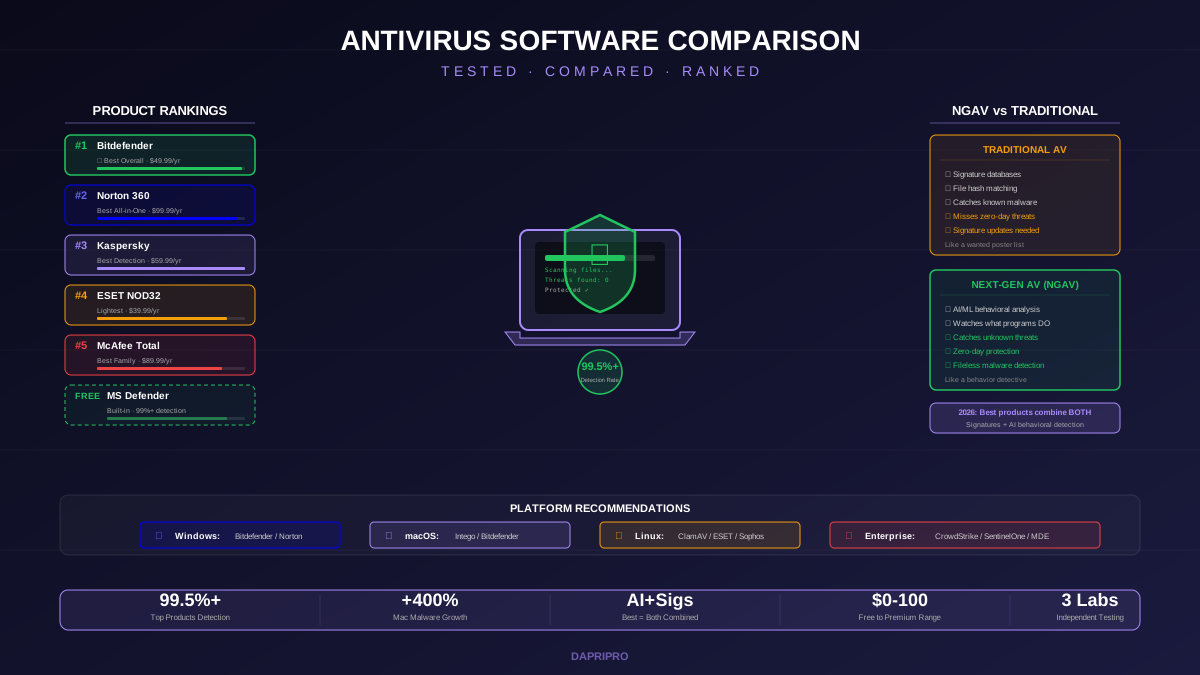
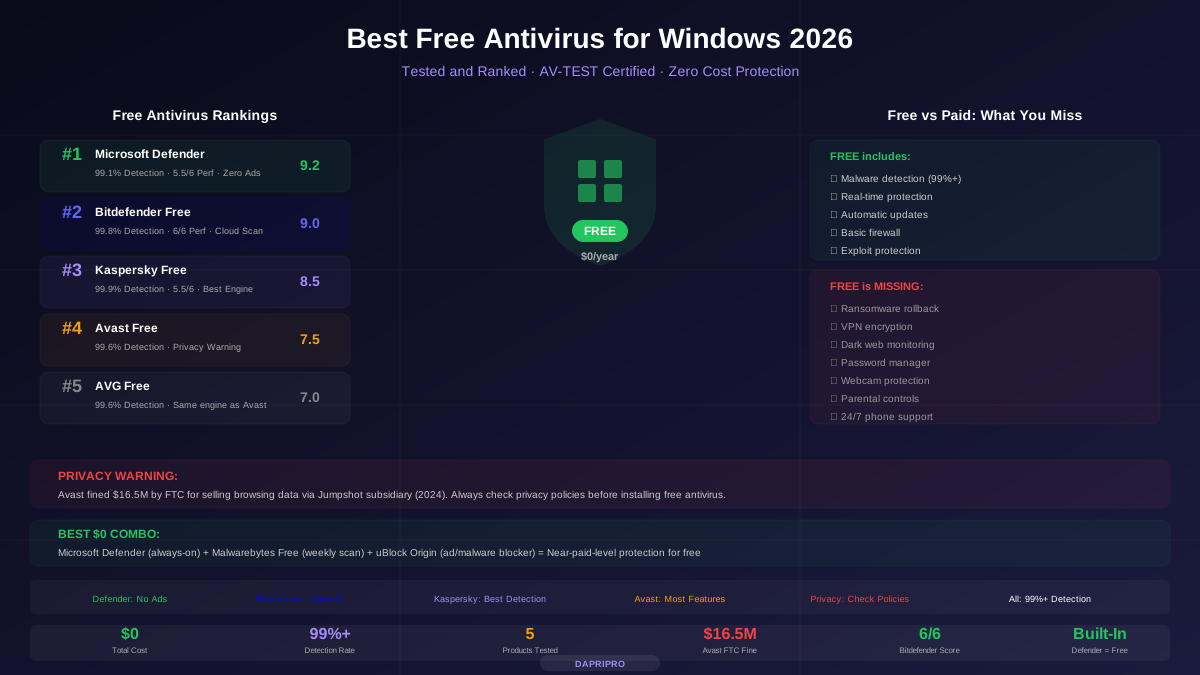
For more antivirus reviews and comparisons, check out our complete antivirus comparison guide and our best free antivirus recommendations. You can also read our security suite comparison if you want to see how these products compare as full security packages.
![Mac Antivirus: Do You Really Need It? Best Options Tested [2026]](/images/sections/security-tools-reviews/antivirus-software/mac-antivirus-do-you-really-need-it-best-options-tested.svg)