![Mac Antivirus: Do You Really Need It? Best Options Tested [2026]](/images/sections/security-tools-reviews/antivirus-software/mac-antivirus-do-you-really-need-it-best-options-tested.svg)
"Macs don't get viruses." You have probably heard this from someone. Maybe a friend, a family member, or even a salesperson at the Apple Store. Ten years ago, it was mostly true. Today? It is a dangerous myth.
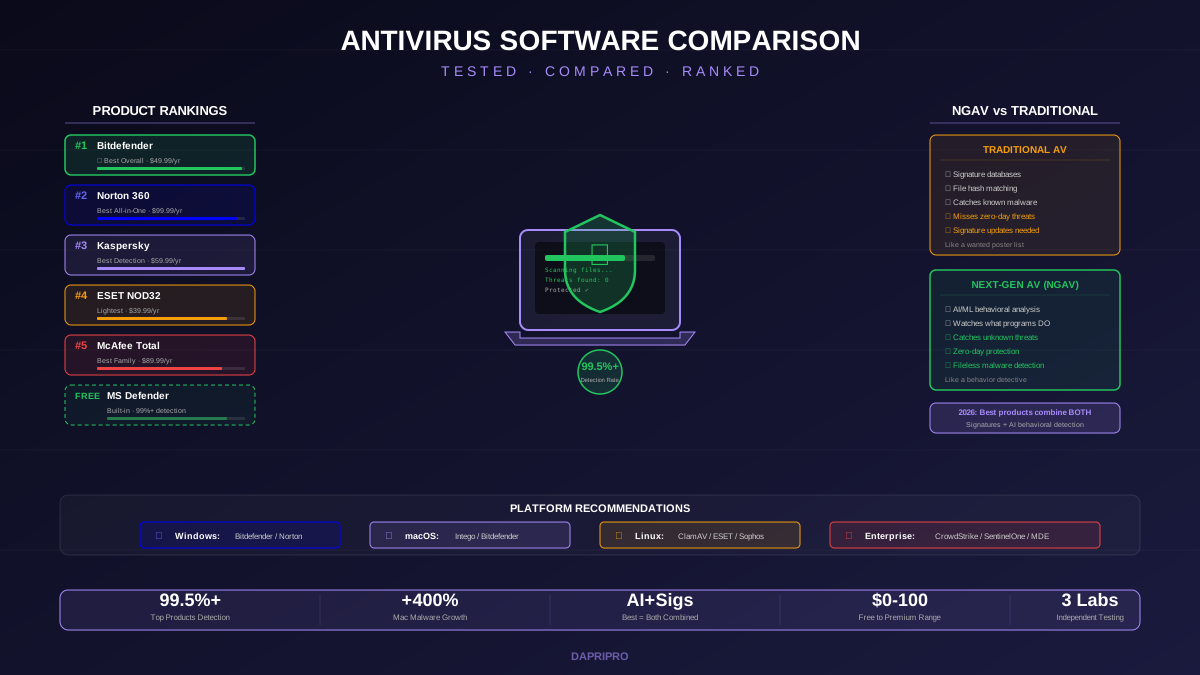
macOS malware has increased 400% since 2019. Hackers now target Macs specifically because so many Mac users think they are safe and do not install antivirus. That false confidence is exactly what attackers exploit.
So do you actually need antivirus on your Mac? Let us break it down honestly.
Why Macs Are Getting Attacked More
Think of it like home security. If every house on the street has an alarm system except one, which house do burglars target? The unprotected one.
That is what is happening with Macs. Windows users have been installing antivirus for decades. Mac users often do not. As Mac market share has grown to 16% globally (and over 25% in the US), hackers see millions of unprotected machines — and they are going after them.
In 2025 alone, security researchers found over 260 new macOS malware families. The most common Mac threats are:
- Adware — programs that inject unwanted ads into your browser and pop up constantly. Examples: Shlayer, AdLoad, Pirrit.
- Browser hijackers — change your homepage and search engine to fake ones that track everything you do.
- Trojans — disguise themselves as legitimate apps (like fake Flash Player updates) and steal data once installed.
- Potentially Unwanted Programs (PUPs) — not technically viruses but install themselves alongside other software, slow down your Mac, and are hard to remove.
- Ransomware — rare on Mac but growing. KeRanger and EvilQuest both targeted macOS specifically.
What Apple's Built-In Protection Actually Does
Apple does not leave Mac users completely unprotected. macOS has three built-in security layers:
These three layers provide decent baseline protection. But they have real gaps:
- XProtect's malware database has only 100-200 signatures compared to thousands in third-party products
- XProtect signature updates are irregular — sometimes weeks between updates
- Gatekeeper can be bypassed by users who right-click and select "Open" on blocked apps
- None of these protect against phishing attacks, which are the number one threat to Mac users
- None provide web filtering to block malicious websites in real time
Best Mac Antivirus Products Tested
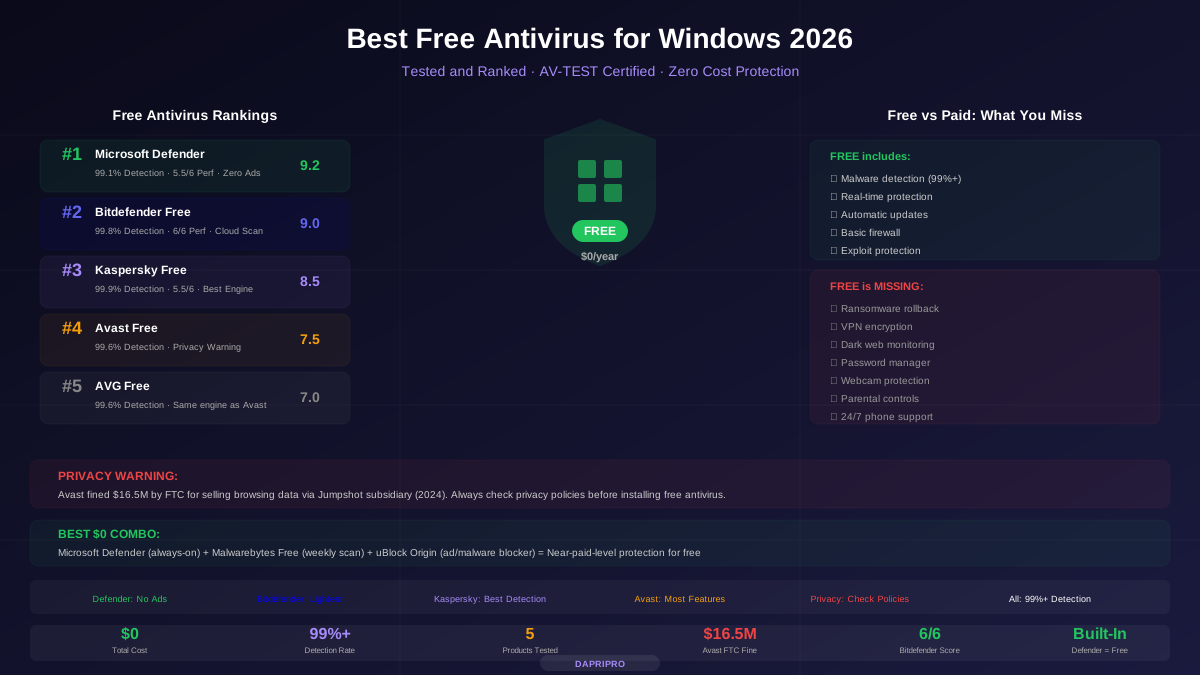
We tested the top Mac antivirus products for detection rates, performance impact, and Mac-specific features. Here are the results:
| Product | Mac Detection | Performance Impact | Price/Year | Best For |
|---|---|---|---|---|
| Intego Mac Internet Security X9 | 99.7% | Very Light | \$49.99 | Mac-Only Users |
| Norton 360 for Mac | 99.6% | Moderate | \$49.99 | Features + VPN |
| Bitdefender for Mac | 99.8% | Very Light | \$29.99 | Best Value |
| Malwarebytes for Mac | 99.2% | Very Light | \$44.99 | Clean Infections |
| Kaspersky for Mac | 99.9% | Light | \$29.99 | Best Detection |
| Avast Security for Mac | 99.5% | Moderate | Free | Free Option |
Top Pick: Intego Mac Internet Security X9
Intego is the only antivirus company that builds exclusively for Mac. While Norton and Bitdefender start with Windows and then port to Mac (losing features in the process), Intego starts and ends with macOS.
What makes Intego special:
- VirusBarrier — real-time scanner that catches Mac AND Windows malware (so you do not accidentally forward a Windows virus to a PC-using friend)
- NetBarrier — a Mac-specific firewall that shows you which apps are connecting to the internet and lets you block them individually
- ContentBarrier — parental controls designed for macOS (not a ported Windows feature)
- Washing Machine — a cleanup tool that finds and removes junk files, duplicates, and cached data
Intego's only downside: it does not cover Windows or Android. If you also have a PC, you will need a separate antivirus for it.
Cross-Platform Options: Norton and Bitdefender
If you have both a Mac and a Windows PC (or an iPhone and Android devices), Norton 360 and Bitdefender cover everything on one subscription.
Norton 360 for Mac includes the unlimited VPN, password manager, and dark web monitoring. The Mac version lacks the cloud backup and some Windows-specific features, but it is still one of the most complete Mac security packages.
Bitdefender Antivirus for Mac is the lightest option. Adware blocking, anti-phishing, anti-ransomware, and a traffic light system that rates websites as safe or dangerous in your search results. And at \$29.99/year, it is the cheapest paid option.
Do YOU Actually Need Mac Antivirus?
Here is the honest answer based on how you use your Mac:
You probably DO need antivirus if:
- You download apps from outside the Mac App Store
- You regularly visit websites that have lots of ads and pop-ups
- You use your Mac for work and handle sensitive client data
- You share files with Windows users (you could unknowingly pass along Windows malware)
- You click on email links without checking them carefully
- Other family members (especially younger ones) use your Mac
You can probably skip antivirus if:
- You ONLY download apps from the Mac App Store
- You keep macOS and all apps updated immediately when updates arrive
- You are careful about email attachments and links
- You do not share files across Mac and PC
- You use a browser with built-in phishing protection (Chrome, Safari, Firefox)
Free Mac Protection Tips (Without Antivirus)
Even if you decide not to install third-party antivirus, follow these steps to stay safe:
- Keep macOS updated — every update patches security holes. Go to System Settings > General > Software Update and turn on automatic updates.
- Do not disable Gatekeeper — if macOS warns you about an app, pay attention. Only bypass for apps you truly trust from developers you know.
- Install uBlock Origin — this free browser extension blocks malicious ads, which are a major malware delivery method on Mac.
- Use Safari or Chrome — both have built-in phishing and malware site blocking. Safari also prevents cross-site tracking.
- Check Activity Monitor — if your Mac is running slowly, open Activity Monitor (Applications > Utilities) and look for unfamiliar processes using high CPU. That could be adware.
- Run Malwarebytes Free — even if you do not want full-time antivirus, download Malwarebytes Free and run a scan every few weeks. It is the best tool for finding and removing Mac adware.
Bottom Line
The idea that Macs do not need antivirus is outdated and risky. macOS malware is real and growing. Apple's built-in protections help, but they have significant gaps.
If you want dedicated Mac protection, get Intego. If you have both Mac and Windows devices, get Norton 360 or Bitdefender. If you want to stay free, use Apple's built-in protections plus Malwarebytes Free scans and uBlock Origin.
For more antivirus recommendations, check out our complete antivirus comparison guide, our best free antivirus for Windows guide, and our Norton vs McAfee vs Bitdefender comparison.
![Norton vs McAfee vs Bitdefender: Head-to-Head Antivirus Comparison [2026]](/images/sections/security-tools-reviews/antivirus-software/norton-vs-mcafee-vs-bitdefender-head-to-head-antivirus-comparison.svg)