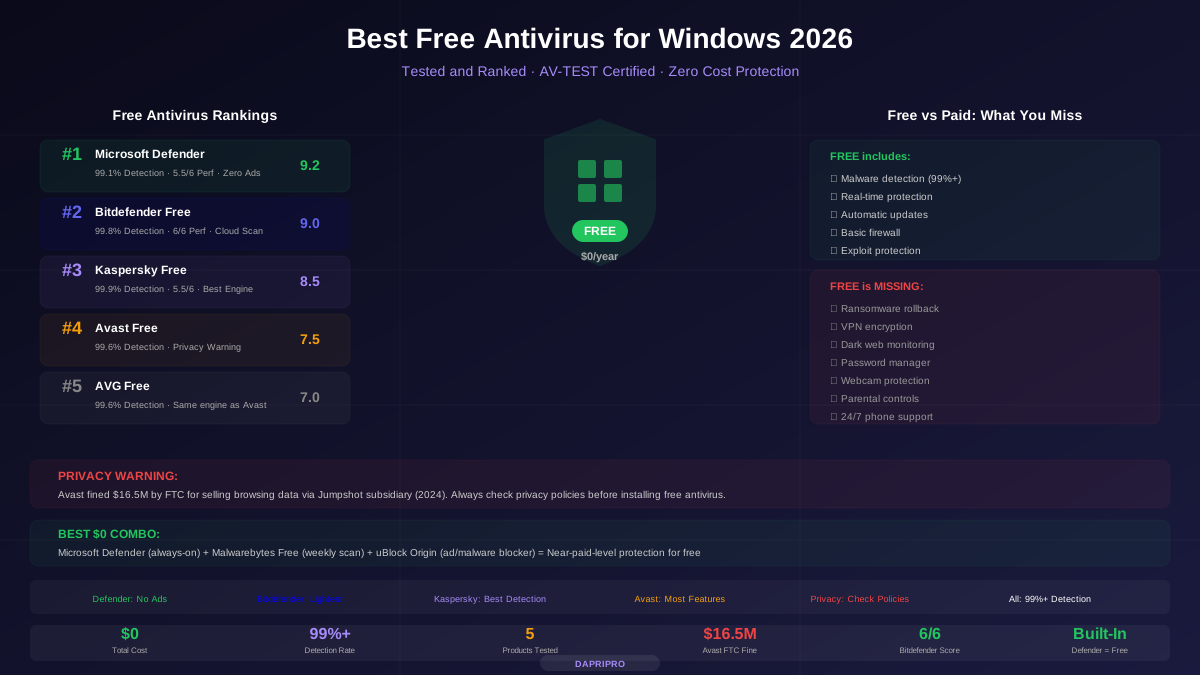
![Next-Gen Antivirus (NGAV) vs Traditional AV: What is the Difference? [2026]](/images/sections/security-tools-reviews/antivirus-software/next-gen-antivirus-ngav-vs-traditional-av-what-is-the-difference.svg)
Traditional antivirus has been protecting computers since the 1980s. It works like a wanted poster — it has a list of known criminals (malware signatures), and it checks every file against that list.
The problem? Hackers create 560,000 new malware samples every single day. No signature database can keep up. That is why next-gen antivirus (NGAV) was invented — and why understanding the difference could save you from a cyberattack that traditional AV would completely miss.
How Traditional Antivirus Works
Traditional antivirus uses a simple but effective approach:
- Security researchers discover a new piece of malware
- They create a unique "signature" — a digital fingerprint of that specific malware
- The signature gets added to a database
- Your antivirus downloads the updated database
- When you download or run a file, the AV checks it against all known signatures
- If there is a match, the file is blocked or quarantined
This approach works great for known threats. The problem is what happens with unknown threats — malware that is so new it has not been analyzed yet, or malware that has been slightly modified to avoid matching any known signature.
How Next-Gen Antivirus Works
NGAV takes a fundamentally different approach. Instead of asking "Does this file match a known threat?", NGAV asks "Is this program behaving suspiciously?"
NGAV uses multiple technologies working together:
| Technology | How It Works | What It Catches |
|---|---|---|
| Machine Learning | AI models trained on millions of malware samples recognize malicious patterns in code | New malware variants, polymorphic malware that changes its code |
| Behavioral Analysis | Monitors what programs actually DO — file changes, network connections, process spawning | Zero-day attacks, ransomware (detects mass file encryption), trojans |
| Memory Protection | Scans RAM for malicious code that never touches the hard drive | Fileless malware, script-based attacks, living-off-the-land attacks |
| Cloud Intelligence | Checks suspicious files against global threat databases in real time | Threats seen on other computers worldwide minutes earlier |
| Exploit Prevention | Blocks known attack techniques even if the specific malware is unknown | Buffer overflows, DLL injection, privilege escalation |
Traditional AV vs NGAV: Side-by-Side
The Fileless Malware Problem
The single biggest reason NGAV exists is fileless malware. Here is what makes it so dangerous:
Normal malware works by downloading a malicious file to your hard drive and running it. Traditional antivirus scans that file, finds the malware signature, and blocks it. Simple.
Fileless malware never touches your hard drive. Instead, it:
- Uses legitimate programs already on your computer (PowerShell, WMI, Office macros)
- Runs malicious code directly in your computer's memory (RAM)
- Leaves no file for traditional antivirus to scan
- Disappears when you restart your computer — no forensic evidence on disk
Fileless attacks have increased 900% since 2019 and now account for roughly 40% of all malware attacks. Traditional signature scanning is completely blind to them.
NGAV catches fileless attacks by monitoring behavior: "Why is PowerShell downloading a script from an unknown server and executing it?" That behavior is suspicious regardless of whether a file exists on disk.
Real-World Examples: What Each Catches
| Attack Type | Traditional AV | NGAV |
|---|---|---|
| Known ransomware (WannaCry, Ryuk) | ✅ Catches via signature | ✅ Catches via signature + behavior |
| Brand-new ransomware variant | ❌ Not in database yet | ✅ Detects mass file encryption behavior |
| Phishing email with infected Word doc | ✅ Usually catches known macros | ✅ Also blocks suspicious macro behavior |
| PowerShell fileless attack | ❌ No file to scan | ✅ Monitors PowerShell behavior in memory |
| Living-off-the-land attack (LOLBins) | ❌ Uses legitimate Windows tools | ✅ Detects unusual use of legitimate tools |
| Supply chain compromised update | ❌ Signed by trusted vendor | ⚠️ May catch suspicious post-install behavior |
| Polymorphic malware (changes its code) | ❌ New hash each time | ✅ ML recognizes malicious patterns despite changes |
Consumer vs Enterprise: Where NGAV Matters Most
Here is something important that many articles miss: for home users, the traditional vs NGAV distinction has mostly disappeared.
All major consumer antivirus products in 2026 already include NGAV features:
- Norton 360: SONAR behavioral protection, cloud analysis, machine learning detection
- Bitdefender: Advanced Threat Defense (behavioral), HyperDetect (ML), cloud-based analysis
- Windows Defender: Cloud-delivered protection, behavioral monitoring, attack surface reduction
- Kaspersky: System Watcher (behavioral), ML models, cloud-based Kaspersky Security Network
The real NGAV vs Traditional distinction matters in enterprise, where organizations choose between:
- Traditional enterprise AV (Symantec Endpoint Protection, McAfee ePO, Trend Micro) — signature-focused with some behavioral features
- Dedicated NGAV platforms (CrowdStrike Falcon, SentinelOne, Carbon Black, Cylance) — built from the ground up around AI, behavioral analysis, and cloud intelligence
The Evolution: AV → NGAV → EDR → XDR
Endpoint protection is evolving rapidly. Here is the progression:
Which Do You Need?
| Your Situation | Recommendation | Examples |
|---|---|---|
| Home user, basic browsing | Windows Defender (free, includes NGAV features) | Microsoft Defender |
| Home user, higher risk (downloads, torrents) | Premium consumer AV with behavioral protection | Bitdefender Total, Norton 360 |
| Small business (5-50 employees) | Business AV with central management + basic EDR | Bitdefender GravityZone, ESET PROTECT |
| Medium business (50-500 employees) | NGAV/EDR platform with managed detection | CrowdStrike Falcon Go, SentinelOne |
| Enterprise (500+ employees) | Full XDR platform with 24/7 managed threat hunting | CrowdStrike Falcon Enterprise, Palo Alto Cortex XDR |
Conclusion
Traditional antivirus is not dead — signature matching is still the fastest way to catch known threats. But relying on signatures alone means missing 40% of modern attacks including fileless malware, zero-day exploits, and living-off-the-land techniques.
NGAV adds the behavioral intelligence layer that catches what signatures cannot. For home users, your existing premium antivirus likely already includes these features. For businesses, the upgrade from traditional enterprise AV to a dedicated NGAV/EDR platform is one of the highest-impact security investments you can make.
Learn more about testing your defenses in our antivirus testing guide, or compare specific products in our complete antivirus comparison.
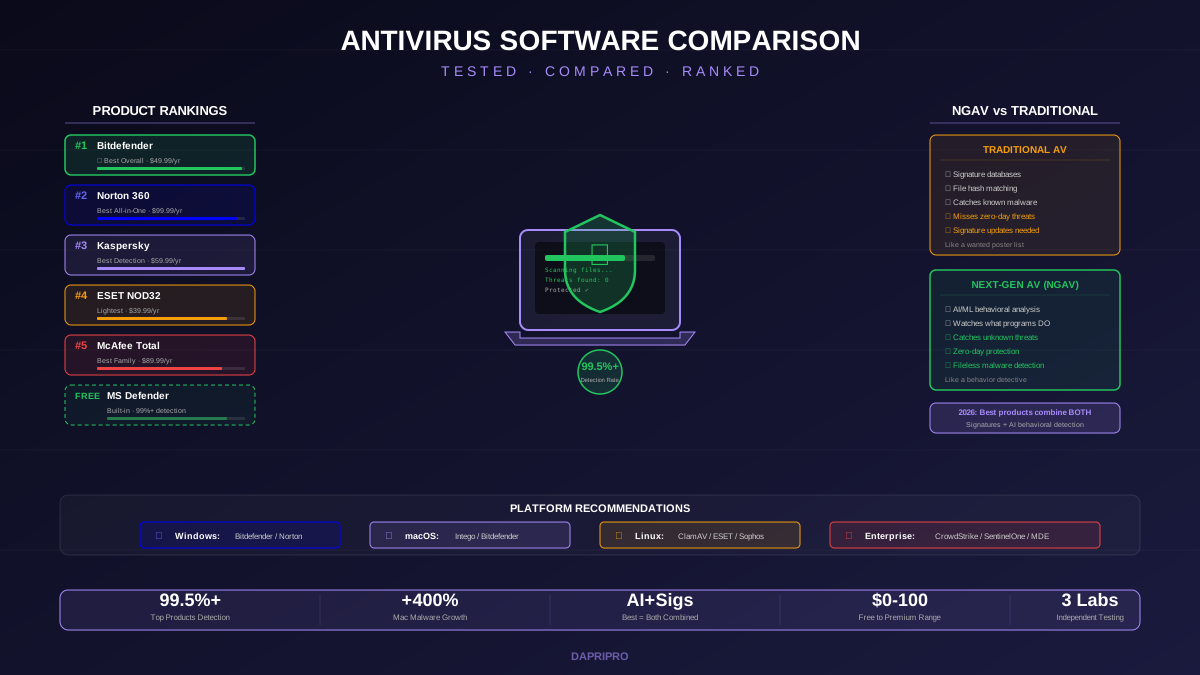
![Norton vs McAfee vs Bitdefender: Head-to-Head Antivirus Comparison [2026]](/images/sections/security-tools-reviews/antivirus-software/norton-vs-mcafee-vs-bitdefender-head-to-head-antivirus-comparison.svg)