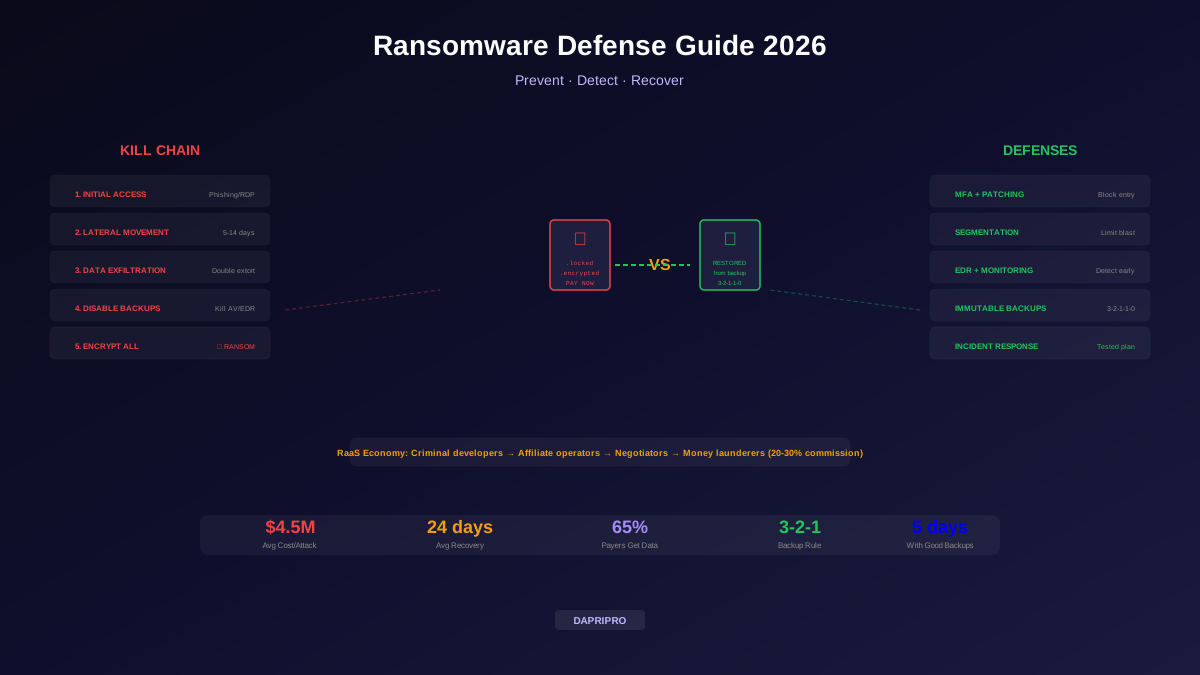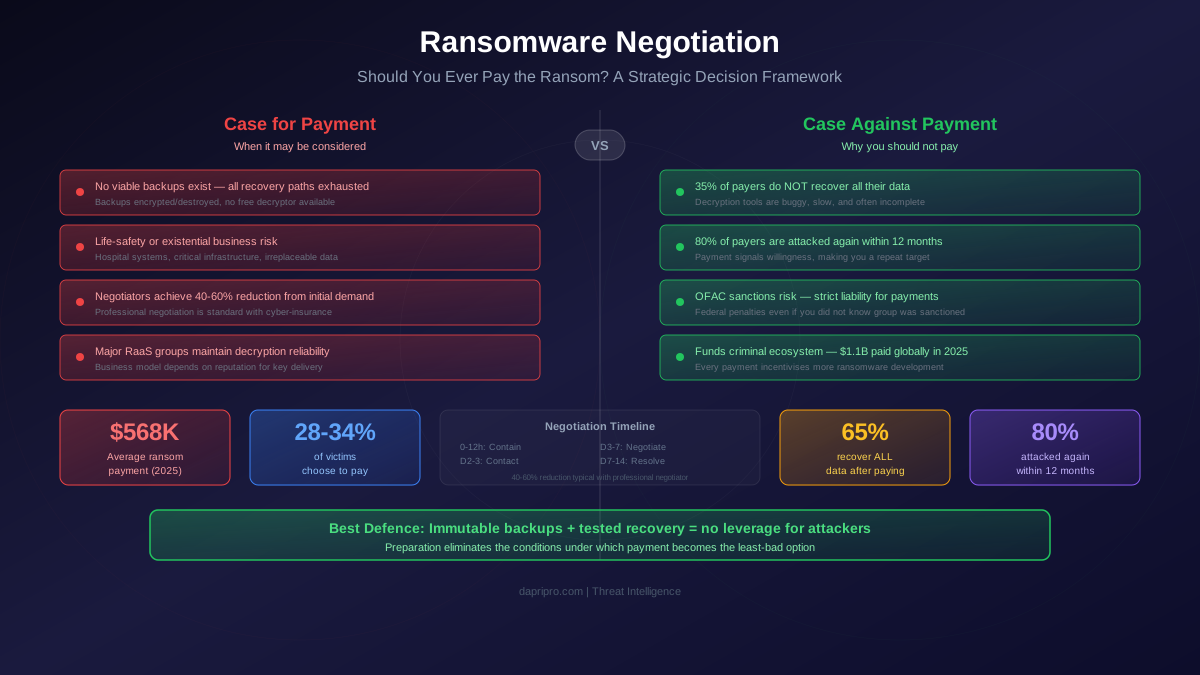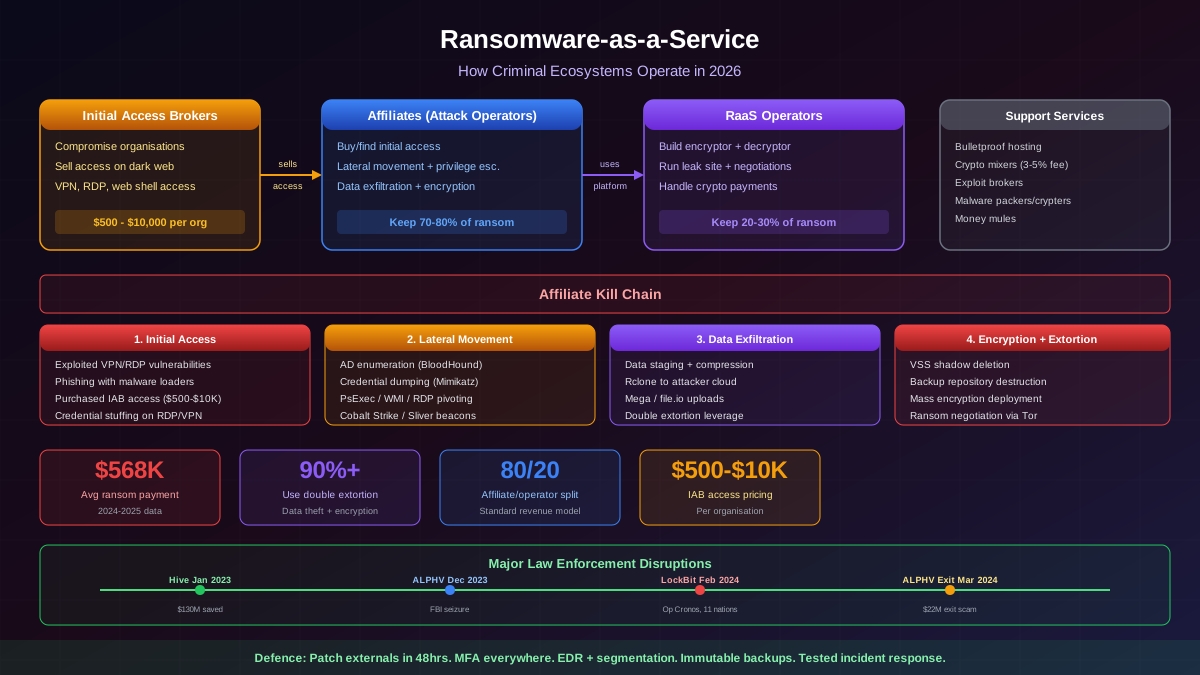
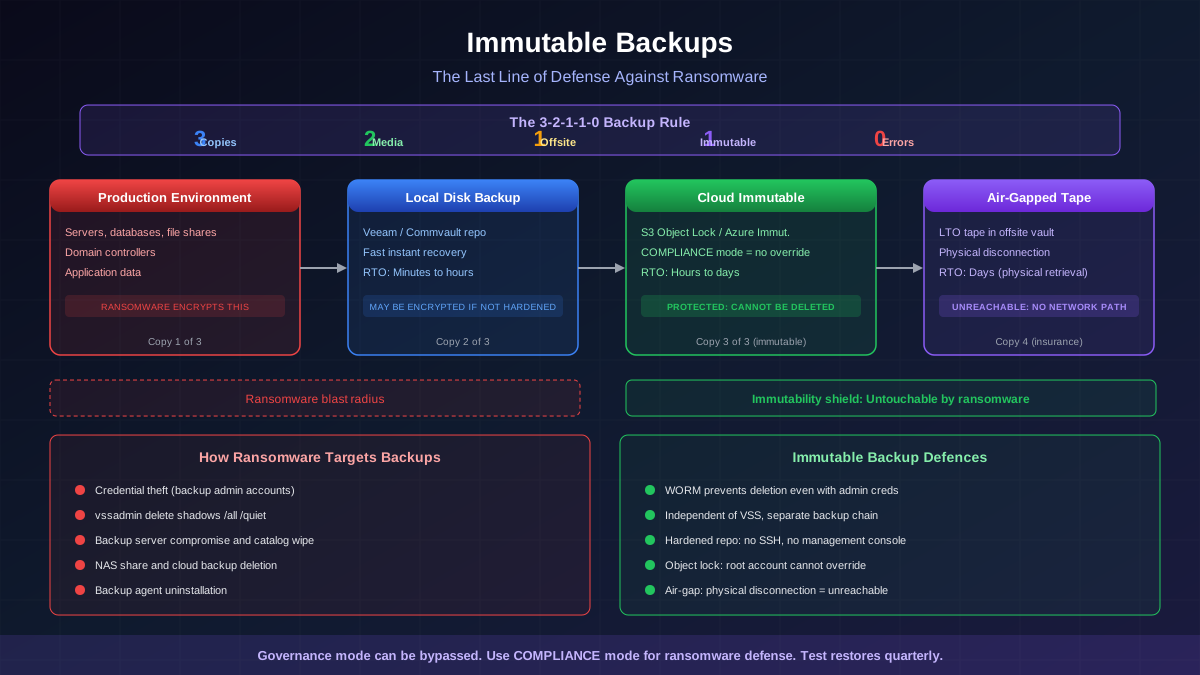
Every ransomware attack follows the same playbook in its final phase: before encrypting production data, the attackers hunt for and destroy backups. They search for backup server credentials, delete shadow copies, wipe backup repositories, and encrypt NAS shares. The attackers know that if the organisation can restore from backups, there is no leverage for a ransom demand.
Immutable backups are the architectural answer to this attack pattern. By storing backup data in a format that cannot be modified, encrypted, or deleted — even by an administrator with full system privileges — immutable backups remove the attacker's ability to eliminate your recovery path. When the backup is untouchable, the ransomware is a nuisance, not a catastrophe.
What Immutability Means in Backup Architecture
WORM Storage
WORM (Write Once Read Many) is the foundational technology behind immutable backups. Data written to WORM storage can be read any number of times but cannot be modified or deleted until a configured retention period expires. WORM was originally developed for regulatory compliance (SEC Rule 17a-4 for financial records) and has been adapted for ransomware defence.
WORM enforcement exists at multiple levels:
- Hardware WORM — optical media (WORM discs), tape with hardware write-protect, and purpose-built appliances. The immutability is enforced by the physical medium and cannot be overridden by software.
- Software WORM — file-system-level enforcement (e.g., Linux immutable flag, ZFS snapshots), storage-array features (NetApp SnapLock), and cloud object-lock policies. Immutability is enforced by the storage software and depends on proper configuration.
- Cloud-native WORM — AWS S3 Object Lock, Azure Immutable Blob Storage, Google Cloud Storage bucket locks. These implement immutability at the cloud storage service level with compliance modes that prevent override even by the account owner.
The Critical Distinction: Governance vs. Compliance Mode
Cloud providers offer two immutability modes. The distinction is critical for ransomware defence:
- Governance mode — prevents most users from modifying or deleting data, but allows users with specific IAM permissions (e.g.,
s3:BypassGovernanceRetention) to override the lock. This is designed for data-governance use cases where authorised administrators may need to remove data. - Compliance mode — prevents ALL users, including the root account owner, from modifying or deleting data until the retention period expires. There is no override. The only way to remove the data early is to close the entire cloud account (which itself has safeguards preventing rapid closure).
For ransomware defence, compliance mode is required. Governance mode can be bypassed by an attacker who compromises a privileged IAM account.
Cloud Immutability Implementations
AWS S3 Object Lock
S3 Object Lock provides WORM protection at the object level within S3 buckets. Implementation requirements:
- Versioning must be enabled — Object Lock requires S3 versioning because it operates on individual object versions
- Compliance mode — set retention mode to COMPLIANCE (not GOVERNANCE) for ransomware protection. Compliance mode prevents deletion even by the root account until the retention period expires.
- Retention period — configure based on your RPO. Typical ransomware-defence retention: 30-90 days.
- Legal hold — can be applied independently of retention period. Preserves data indefinitely until the legal hold is removed. Useful for incident investigation.
Configuration best practices:
- Enable default retention at the bucket level so all objects inherit the retention policy automatically
- Use a dedicated AWS account for backup storage (separate from production accounts) to limit blast radius from credential compromise
- Enable MFA Delete on the bucket to require multi-factor authentication for any configuration changes
- Apply SCPs (Service Control Policies) at the AWS Organisation level to prevent any account from disabling Object Lock
Azure Immutable Blob Storage
Azure provides two immutability policy types:
- Time-based retention — data cannot be modified or deleted for a specified period. Can be configured as locked (irrevocable — equivalent to compliance mode) or unlocked (can be extended or deleted).
- Legal hold — indefinite preservation until all legal hold tags are removed
Critical implementation detail: once a time-based retention policy is locked on an Azure container, it becomes irrevocable. The retention period can be extended but never shortened or removed. Ensure the retention period is correct before locking.
Google Cloud Storage
GCP offers bucket-level retention policies with a bucket lock feature. Once a retention policy is locked, it cannot be removed or shortened. Objects in locked buckets cannot be deleted until the retention period expires.
On-Premises Immutability
Veeam Hardened Repository
Veeam's Hardened Repository is a Linux-based backup repository that enforces immutability at the filesystem level. The architecture:
- Single-use credentials: Veeam uses temporary, elevated credentials to write backup data, then reverts to an unprivileged account. No persistent root or sudo access exists on the repository.
- XFS filesystem with immutable flags: backup files receive the Linux immutable attribute, preventing modification even by root.
- No SSH access: after initial setup, SSH is disabled. The repository communicates only through the Veeam data channel.
- No direct network access: no web interface, no management console. The repository is a write-target only.
Air-Gapped Backups
Air-gapped backups provide the strongest immutability guarantee because they are physically disconnected from any network:
- Tape backups — LTO tape stored in a physically separate location. Tape is inherently air-gapped once removed from the drive. Modern LTO-9 tapes hold 18TB native (45TB compressed).
- Removable disk shelves — RDX cartridges or removable disk arrays that are physically disconnected after backup completes.
- Isolated network segments — a backup network with one-way data flow (data diode or strict firewall rules) that allows backup data to flow in but no control-plane traffic to flow out. This is a logical air gap rather than physical but provides strong isolation.
How Ransomware Targets Backups
Understanding the specific attack vectors against backup infrastructure is essential for designing defences:
- Credential theft — attackers harvest backup-admin credentials from memory (Mimikatz), configuration files, or through phishing. With backup-admin credentials, they can log into the backup console and delete repositories.
- Shadow copy deletion — Windows Volume Shadow Copy (VSS) is the first target. Virtually all ransomware runs
vssadmin delete shadows /all /quietbefore encryption. - Backup server compromise — attackers target the backup management servers directly, uninstalling backup agents, deleting backup catalogs, and wiping repositories.
- NAS share encryption — backup repositories on network shares (CIFS/SMB, NFS) are encrypted alongside production data because they are accessible from the same network.
- Cloud backup deletion — if cloud backup credentials are stored on the compromised network (and they often are, in configuration files or credential vaults), attackers can log into the cloud console and delete backup data.
Immutable backups address all of these vectors: even if the attacker gains full administrative access, the immutability enforcement prevents modification or deletion of the backup data during the retention period.
Testing and Validation
An immutable backup that contains corrupted data is as useless as no backup at all. Testing encompasses three areas:
Backup Integrity Verification
- Checksum validation — verify data integrity at the block level after every backup job. Most modern backup products (Veeam, Commvault, Rubrik) include automatic checksum verification.
- SureBackup / Instant Recovery testing — Veeam's SureBackup automatically boots a VM from the backup in an isolated sandbox and runs predefined tests (ping response, application health checks, database consistency) to verify that the backup is not just intact but functionally restorable.
- Immutability verification — periodically attempt to modify or delete immutable backups (from a non-privileged context) to verify that the immutability enforcement is functioning correctly.
Full Restoration Drills
Quarterly (minimum) full-restoration tests should include:
- Select a critical system (domain controller, database server, application server)
- Restore from the immutable backup to alternative hardware or a cloud sandbox
- Measure restoration time and compare against your Recovery Time Objective (RTO)
- Verify application functionality, not just file-level restoration
- Document the process, noting any gaps, errors, or personnel dependencies
Recovery Time Objectives
Different backup tiers serve different recovery scenarios:
- Local disk backup — fastest recovery (minutes to hours for VMs via instant recovery). Vulnerable to ransomware if not immutable. Best for operational recovery (accidental deletion, hardware failure).
- Cloud immutable backup — moderate recovery speed (hours to days depending on data volume and bandwidth). Protected against ransomware. Primary ransomware-recovery tier.
- Air-gapped tape — slowest recovery (days due to physical retrieval and tape-read speed). Strongest protection. Used as last-resort insurance if all other copies are compromised.
The immutable backup architecture ensures that recovery is always possible. The question is not whether you can recover but how quickly you can recover. Organisations that invest in tested, immutable backup infrastructure convert ransomware from an existential crisis into a manageable incident with a predictable recovery timeline.