Right now, as you read this article, dozens of companies are tracking you. Your browser is sending data to ad networks. Your phone apps are logging your location. Data brokers are packaging your personal details and selling them to anyone with a credit card.
This is not paranoia. It is just how the internet works in 2026.
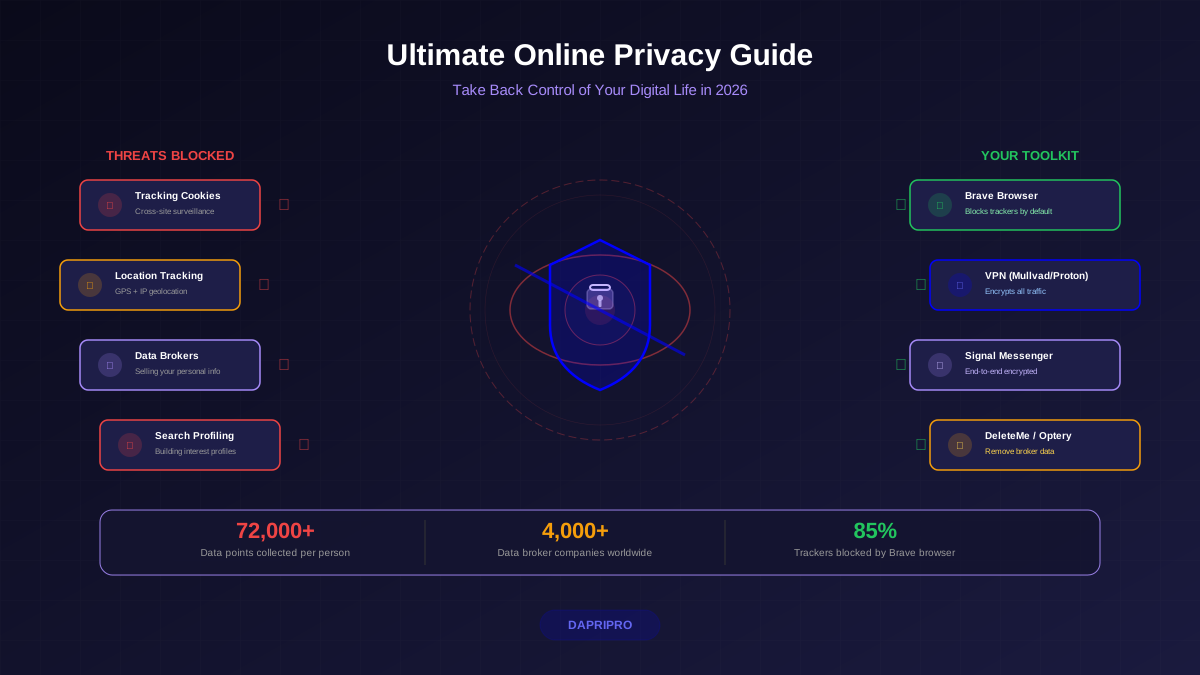
A study by Surfshark found that the average person has their data collected by 72,000+ data points across hundreds of companies. Google alone holds about 15 gigabytes of data on each user — that is roughly 3 million Word documents worth of information about you.
The good news? You do not need to become a tech expert to fight back. This guide gives you practical, step-by-step actions to take back your online privacy — starting today.
Your Digital Footprint: What Companies Know About You
Before you can protect your privacy, you need to understand what you are protecting yourself from. Your digital footprint is the trail of data you leave behind every time you use the internet.
There are two types:
- Active footprint: Data you knowingly share — social media posts, account sign-ups, emails, online purchases, form submissions.
- Passive footprint: Data collected without you realizing it — cookies tracking your browsing, apps logging your location, websites recording your mouse movements, advertisers building profiles of your interests.
Your passive footprint is almost always larger than your active one. And it is the part most people do not know about.
What Companies Collect and Why
| Data Type | Who Collects It | How They Use It |
|---|---|---|
| Browsing history | Google, Facebook, ad networks | Targeted advertising, content personalization |
| Location data | Phone apps, Google Maps, carriers | Local ads, movement pattern analysis, sold to data brokers |
| Purchase history | Amazon, retailers, payment processors | Product recommendations, dynamic pricing, credit scoring |
| Contact lists | Social media, messaging apps | Building "shadow profiles" of people who are not even users |
| Device fingerprint | Nearly every website | Tracking you across sites even without cookies |
| Voice recordings | Alexa, Siri, Google Assistant | Improving AI models, reviewed by human contractors |
Lock Down Your Browser (The Biggest Quick Win)
Your web browser is the main gateway for data collection. Fixing your browser privacy settings is the single most impactful thing you can do, and it takes about 10 minutes.
Which Browser Should You Use?
| Browser | Privacy Level | Best For | Trade-offs |
|---|---|---|---|
| Brave | Excellent | Best all-around private browser | Some sites may break with aggressive blocking |
| Firefox (hardened) | Very Good | Customizable, great extension support | Requires manual privacy configuration |
| Tor Browser | Maximum | Whistleblowers, journalists, high-risk users | Very slow, many sites block it |
| Safari | Good | Apple ecosystem users | Limited extensions, Apple still collects some data |
| Chrome | Poor | Not recommended for privacy | Google's business model is advertising based on your data |
Essential Browser Settings to Change Right Now
- Block third-party cookies. These are the main technology advertisers use to track you across websites. Every privacy-focused browser lets you block them in settings.
- Enable DNS-over-HTTPS. This encrypts your DNS queries so your internet provider cannot see which websites you visit. Use Cloudflare (1.1.1.1) or Quad9 (9.9.9.9) as your DNS provider.
- Install uBlock Origin. This free, open-source extension blocks ads, trackers, and malicious scripts. It is the single best privacy extension available.
- Disable search suggestions. When enabled, every keystroke you type in the address bar is sent to the search engine — even before you hit Enter.
- Use a privacy-focused search engine. DuckDuckGo, Startpage, or Brave Search do not track your searches or build profiles on you.
Understanding that private browsing is not truly private is critical. Incognito mode only hides your history from other people using your device — it does not hide anything from websites, your internet provider, or your employer.
Data Brokers: The Companies Selling Your Information
Data brokers are companies that collect, package, and sell your personal information. They know your name, address, phone number, email, family members, income estimate, political affiliation, health conditions, and more.
There are over 4,000 data broker companies worldwide. The industry generates over $250 billion per year by selling YOUR data.
The scariest part? Most people have never heard of these companies, yet these companies know almost everything about them.
Here is how to remove your information from data brokers:
Manual Removal (Free but Time-Consuming)
- Search for yourself on major broker sites: Spokeo, WhitePages, BeenVerified, PeopleFinder, Intelius, Radaris
- Find the opt-out page on each site (usually buried in the footer)
- Submit removal requests — some require email verification, others want photo ID
- Check back in 2-4 weeks to confirm removal
- Repeat every 3-6 months because brokers re-add your data from public records
Automated Removal Services
| Service | Price | Brokers Covered | Best Feature |
|---|---|---|---|
| DeleteMe | $129/year | 750+ | Detailed privacy reports every quarter |
| Optery | $99/year | 350+ | Real-time removal status dashboard |
| Incogni | $78/year | 180+ | Budget-friendly, Surfshark owned |
| Privacy Duck | $500/year | 500+ | White-glove manual removal service |
Encrypt Everything: From Messages to Hard Drives
Encryption scrambles your data so that only you (and the people you choose) can read it. Without encryption, your emails, messages, and files can be read by hackers, governments, internet providers, and anyone who intercepts them.
Here is what you should encrypt and how:
Messaging
Use end-to-end encrypted (E2EE) messaging for all private conversations:
- Signal — gold standard for encrypted messaging. Open-source, no ads, collects almost zero metadata. Use this.
- WhatsApp — uses Signal protocol for E2EE but owned by Meta, which collects metadata (who you talk to, when, how often).
- iMessage — E2EE between Apple devices. Good if everyone in your contacts uses Apple.
Avoid: Regular SMS text messages are completely unencrypted. Telegram's default chats are also NOT end-to-end encrypted — you must manually start a "Secret Chat" for encryption.
Standard email (Gmail, Outlook, Yahoo) is not end-to-end encrypted. The provider can read your emails. For sensitive communications, use:
- Proton Mail — E2EE email based in Switzerland. Free tier available. The most popular private email service.
- Tuta (formerly Tutanota) — E2EE email based in Germany. Open-source, calendar included.
Storage and Devices
- Full-disk encryption: Enable BitLocker (Windows) or FileVault (Mac) so your data is protected if your device is stolen.
- Cloud storage: Use Proton Drive, Tresorit, or Cryptomator (free, encrypts files before uploading to any cloud).
- Phone: Modern iPhones and Android phones encrypt your data by default when you set a PIN or password.
VPNs: When You Need One (And When You Don't)
A VPN (Virtual Private Network) creates an encrypted tunnel between your device and the internet. It hides your IP address and prevents your internet provider from seeing what websites you visit.
When a VPN is Essential
- Public Wi-Fi. Coffee shops, airports, hotels — anyone on the same network can potentially snoop on your traffic without a VPN.
- ISP snooping. In the US, internet providers can legally sell your browsing history. A VPN blocks them from seeing it.
- Geo-restrictions. Access content or services not available in your region.
- Avoiding price discrimination. Some airlines and retailers show different prices based on your location.
When a VPN Does NOT Help
- Logging into accounts. If you log into Google with a VPN, Google still knows it is you.
- Preventing all tracking. Cookies and browser fingerprinting work regardless of VPN.
- Making you "anonymous." A VPN shifts trust from your ISP to the VPN provider. Choose a provider you trust.
"A VPN is a privacy tool, not an invisibility cloak. Combine it with good browser settings and smart habits for real protection." — Electronic Frontier Foundation
Digital Minimalism: Less Data Means Less Risk
The most powerful privacy technique is also the simplest: share less data in the first place. This idea — called digital minimalism — means being intentional about what you share, what apps you install, and what accounts you create.
- Delete unused accounts. Every account is a potential breach point. Use JustDeleteMe.xyz to find direct links to delete old accounts.
- Use email aliases. Services like SimpleLogin or Apple's Hide My Email let you create unique email addresses for each service. If one gets spam, you know exactly which company leaked it.
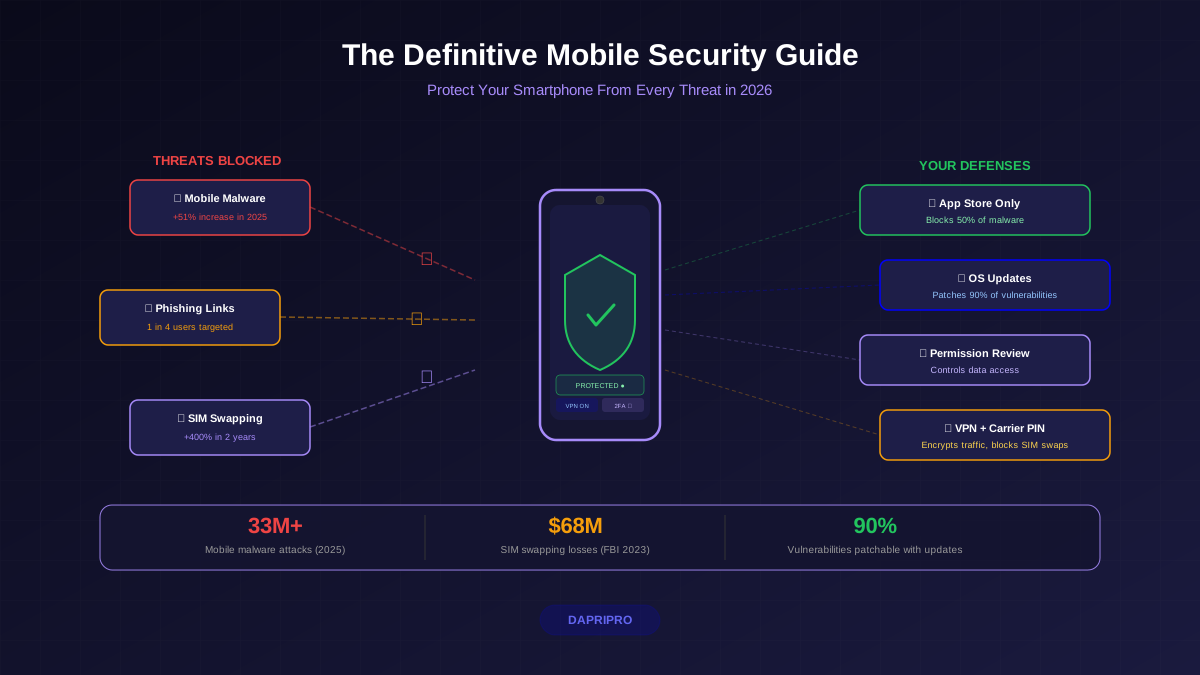
- Audit app permissions. Go through your phone's permission settings and revoke camera, microphone, location, and contact access for apps that do not need them.
- Refuse unnecessary data requests. Websites often ask for your phone number, birthday, or address when they do not need it. Leave optional fields blank or use alternatives.
- Turn off voice assistants. Alexa, Siri, and Google Assistant record and analyze your voice. If you do not actively use them, turn them off.
Your Privacy Action Plan: Get Started This Weekend
Do not try to do everything at once. Here is a prioritized plan that goes from most impactful to least:
Saturday Morning (30 Minutes) — Browser and Search
- Download Brave browser and set it as your default
- Set your search engine to DuckDuckGo or Brave Search
- Install uBlock Origin (if using Firefox)
- Block third-party cookies in browser settings
- Enable DNS-over-HTTPS
Saturday Afternoon (30 Minutes) — Accounts
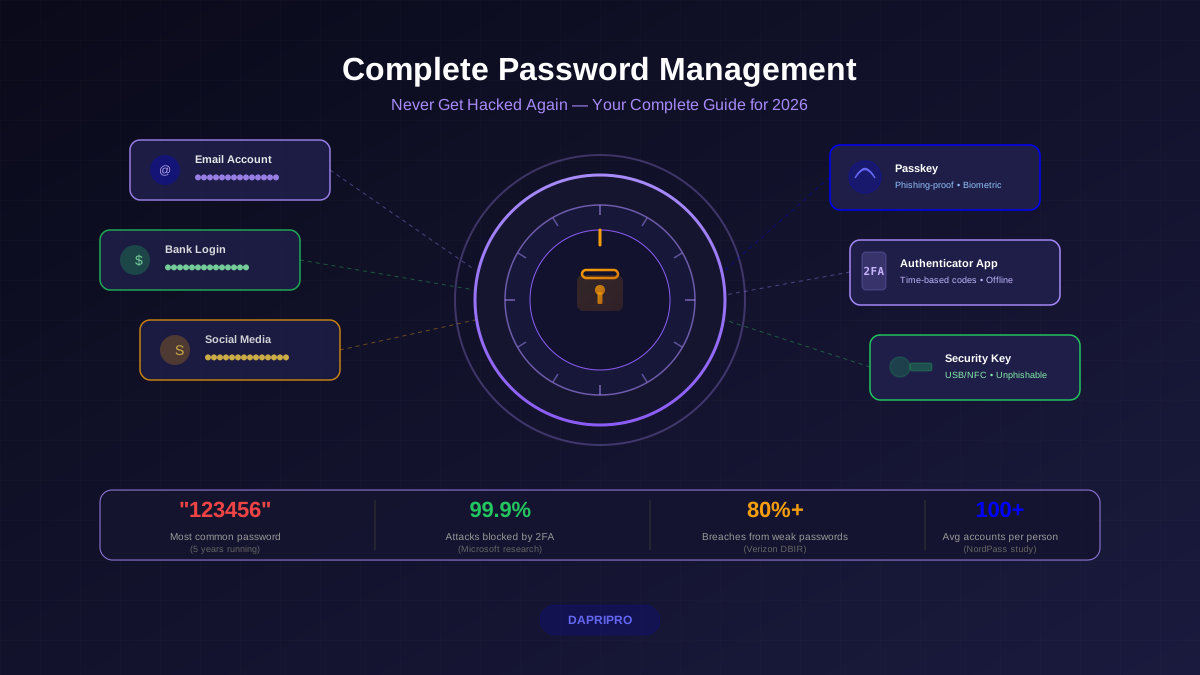
- Install a password manager and generate unique passwords for your top 10 accounts
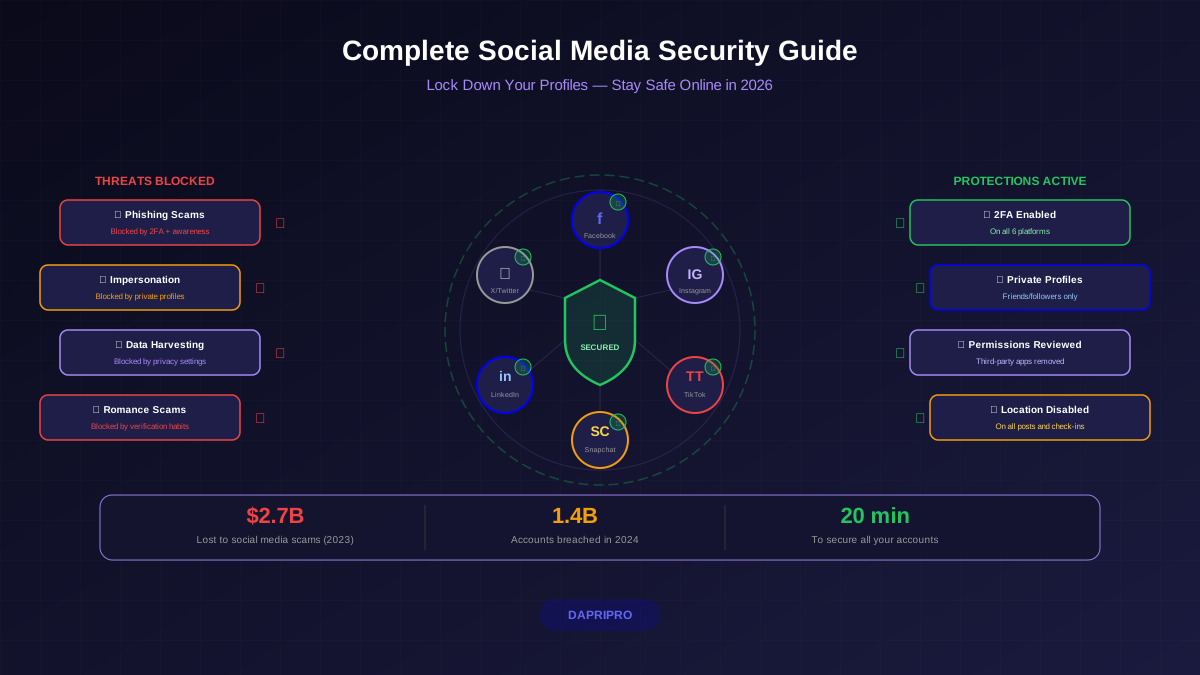
- Enable 2FA on email, banking, and social media
- Create an email alias account with SimpleLogin or Apple Hide My Email
Sunday Morning (30 Minutes) — Communication
- Install Signal and invite your close contacts
- Sign up for Proton Mail for sensitive email
- Sign up for a VPN — Proton VPN (free) or Mullvad ($5/month)
Sunday Afternoon (30 Minutes) — Data Cleanup
- Search your name on Spokeo, WhitePages, and BeenVerified
- Submit opt-out requests on each broker site
- Go through phone app permissions and revoke unnecessary ones
- Delete 5+ accounts you no longer use
That is it. Two hours total, and you have gone from "Exposed" to "Good" on the privacy scale.
Staying Private Going Forward
Privacy is not a one-time setup. New threats and tracking methods emerge constantly. Here are ongoing habits to adopt:
- Monthly: Review new app permissions and delete apps you no longer use
- Quarterly: Check data broker sites — they re-add your data from public records
- Yearly: Audit all your online accounts and delete ones you do not use
- Always: Think before you share. Ask yourself: "Does this service really need this information?"
Your personal data is valuable — that is why thousands of companies spend billions of dollars trying to collect it. By following this guide, you take back control of what is rightfully yours.